
Ready for what’s next.
The right files make consistency easy. Start with the full kit, or take exactly what you need. Everything here is generated from the same source as this guide.
THE COMPLETE KIT / VERSION 1.0
Everything, in good form.
Vector logos, transparent PNGs, the hex signature, an avatar, a social cover, fonts and licenses, CSS and JSON tokens, and a quick usage guide.
Download brand kitTHE IDENTITY
Use the original.
SVGs have outlined wordmarks, so they don’t depend on installed fonts. PNGs have transparent backgrounds. Choose a color with enough contrast for the surface.




THE WORKING PARTS
Built to be reused.
Color, type, and spacing tokens
CSS custom properties, font declarations, and portable JSON values.
The typefaces
Manrope Variable and IBM Plex Mono Regular, with SIL Open Font Licenses.

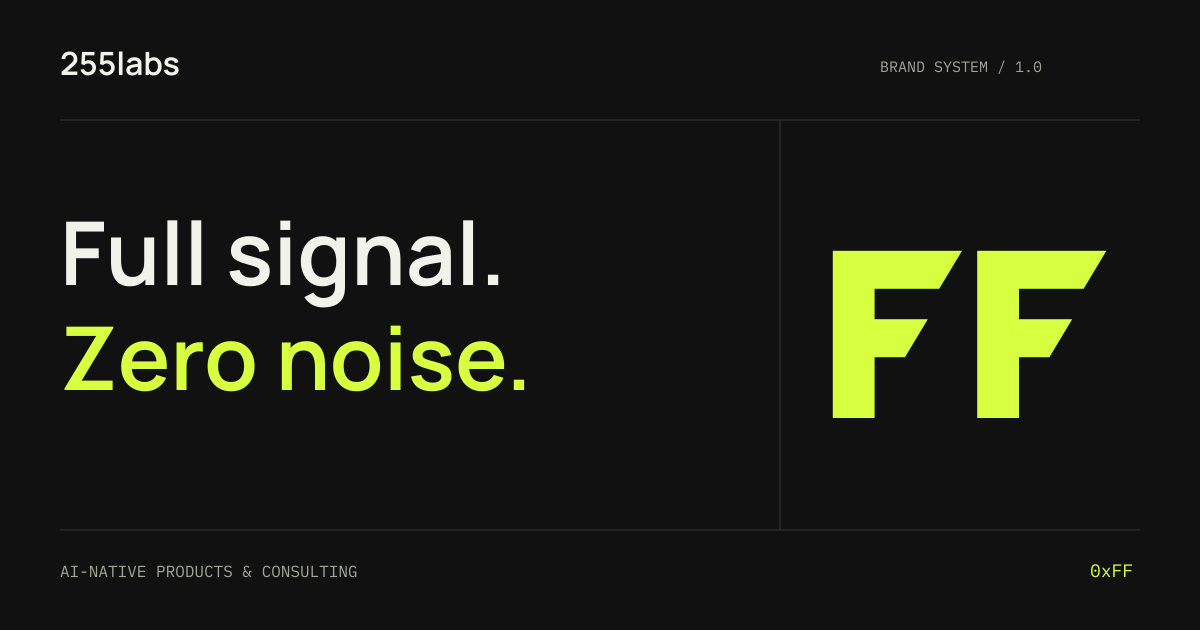
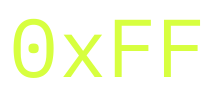
The 0xFF signature
A supporting brand detail. Outlined SVGs in Signal, Paper, and Ink are in the kit.
A CONSISTENT START
Bring the system into your project.
Download and extract the kit. Keep the fonts folder beside the CSS file, then import the tokens. The fonts are self-hosted; no external font service is required.
@import url('./255labs-tokens.css');

body {
  background: var(--brand-color-ink);
  color: var(--brand-color-paper);
  font-family: var(--brand-font-sans);
}

.button-primary {
  background: var(--brand-color-signal);
  color: var(--brand-color-ink);
}
Use these assets to represent 255labs and its projects. Keep the files intact, preserve clear space, and check the guide before adapting a treatment.